1 Bit Pixel — pixel-art & animation studio // 1 BIT STUDIO
[[← back to 1bitstudio.app]](https://1bitstudio.app/)
!Image 1: 1 Bit Pixel mascot — a kawaii three-eyed pixel spider, blinking and hopping

PIXEL-ART & ANIMATION STUDIO
// iPAD · MAC
A focused, fast pixel-art and animation studio. Draw with a full set of tools, animate frame by frame, and export to whatever your pipeline needs — with a clean retro interface and **no ads, no accounts, no tracking**.
// one app for iPad & Mac
// WHAT'S INSIDE
- 22 drawing & shape tools
- Unlimited layers & groups
- 19 blend modes
- Alpha-lock & clipping masks
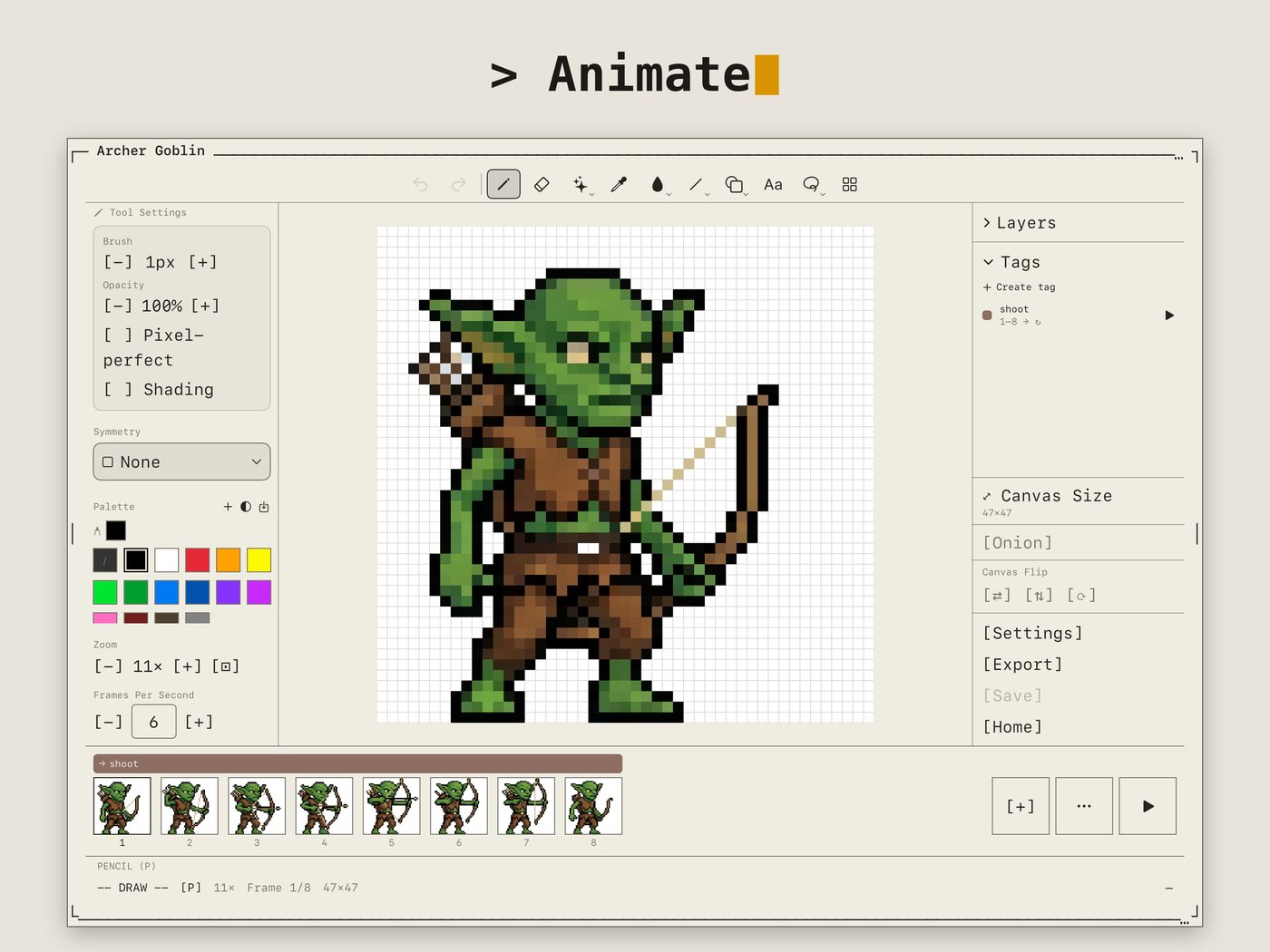
- Frame-by-frame timeline
- Onion skin & tags
- Linked cels
- Palettes & palette-swap
- Tilesets & auto-tiling
- Symmetry drawing
- Apple Pencil features
- 10-language interface
// SCREENSHOTS
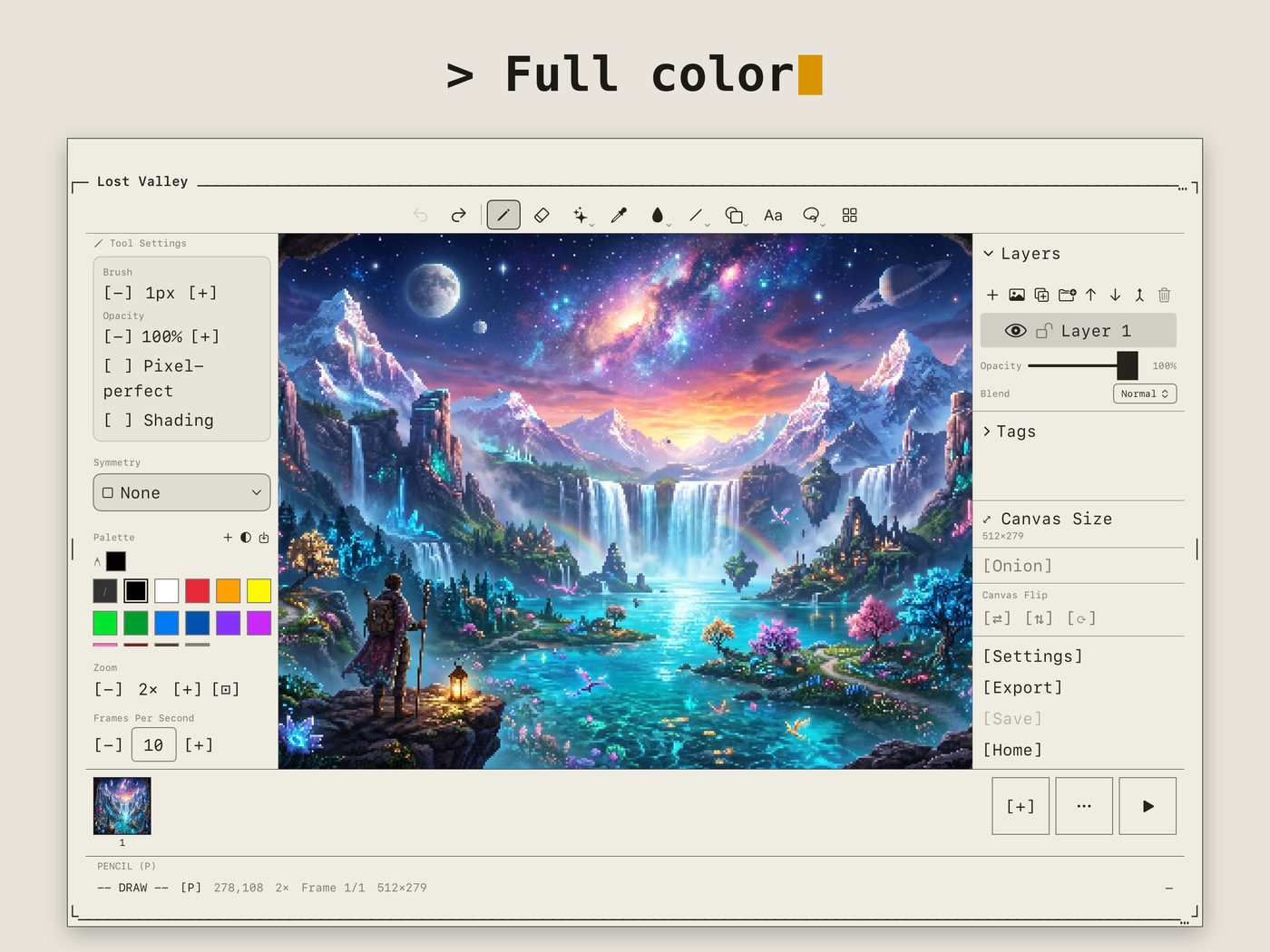
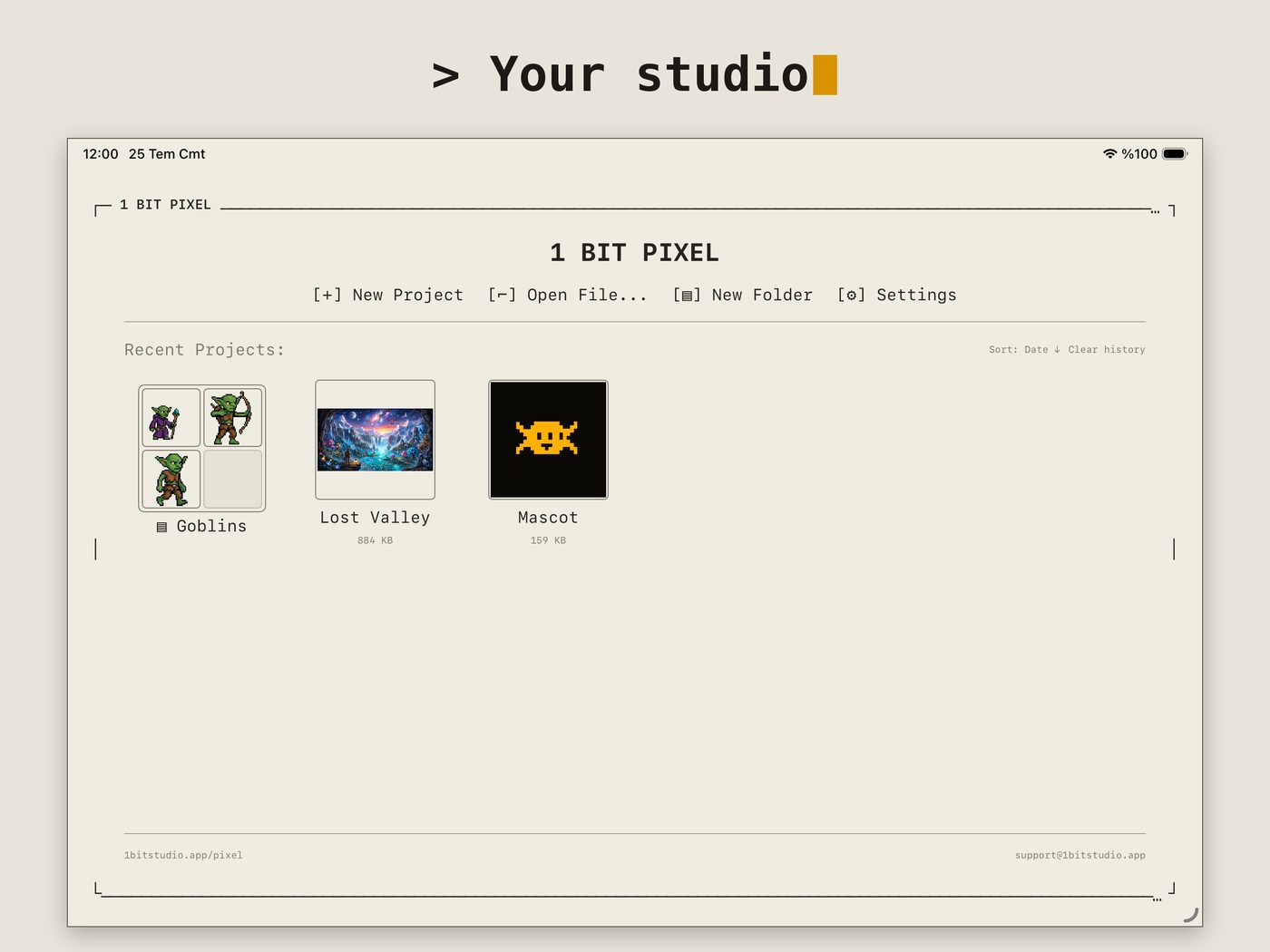
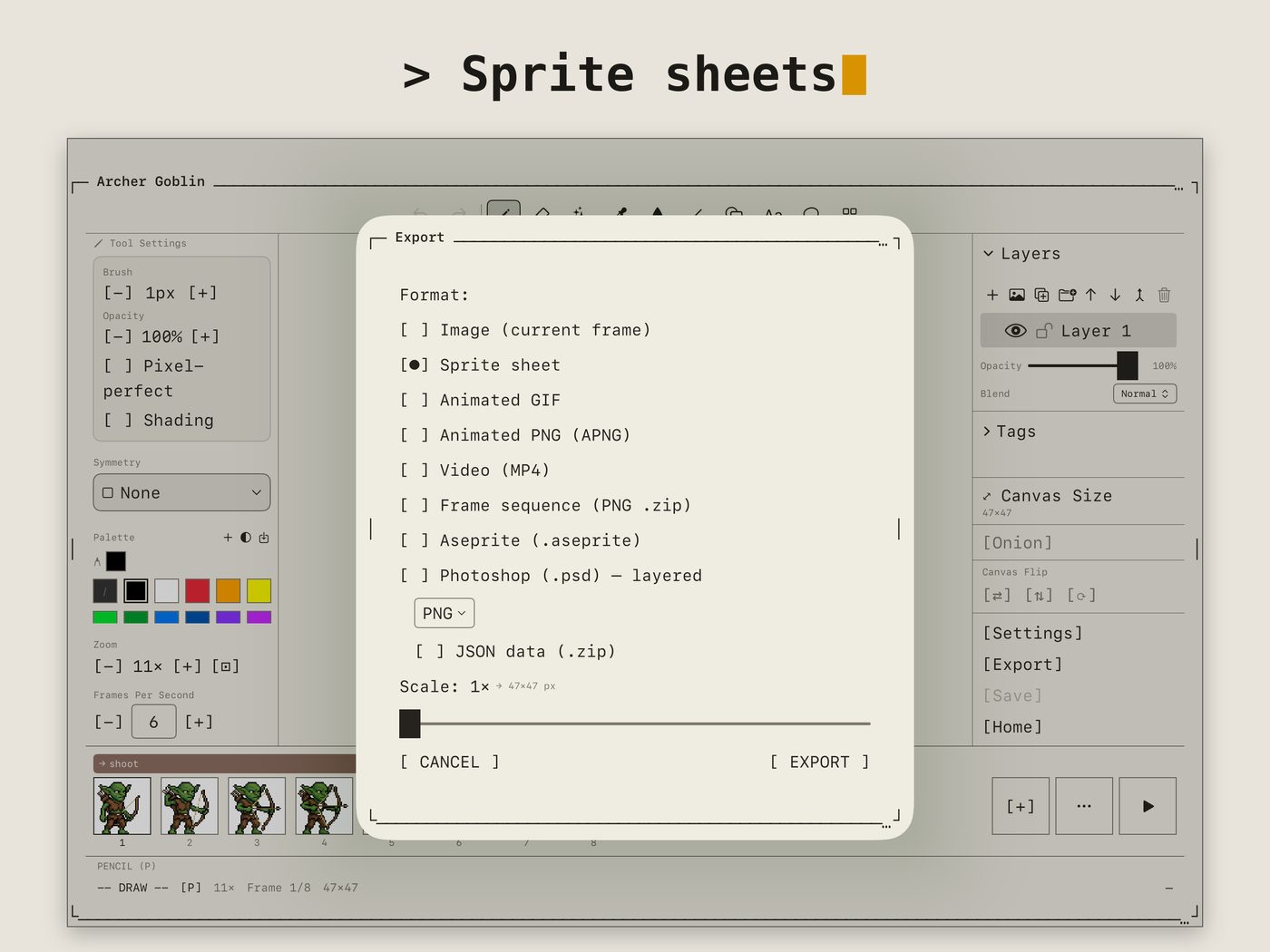
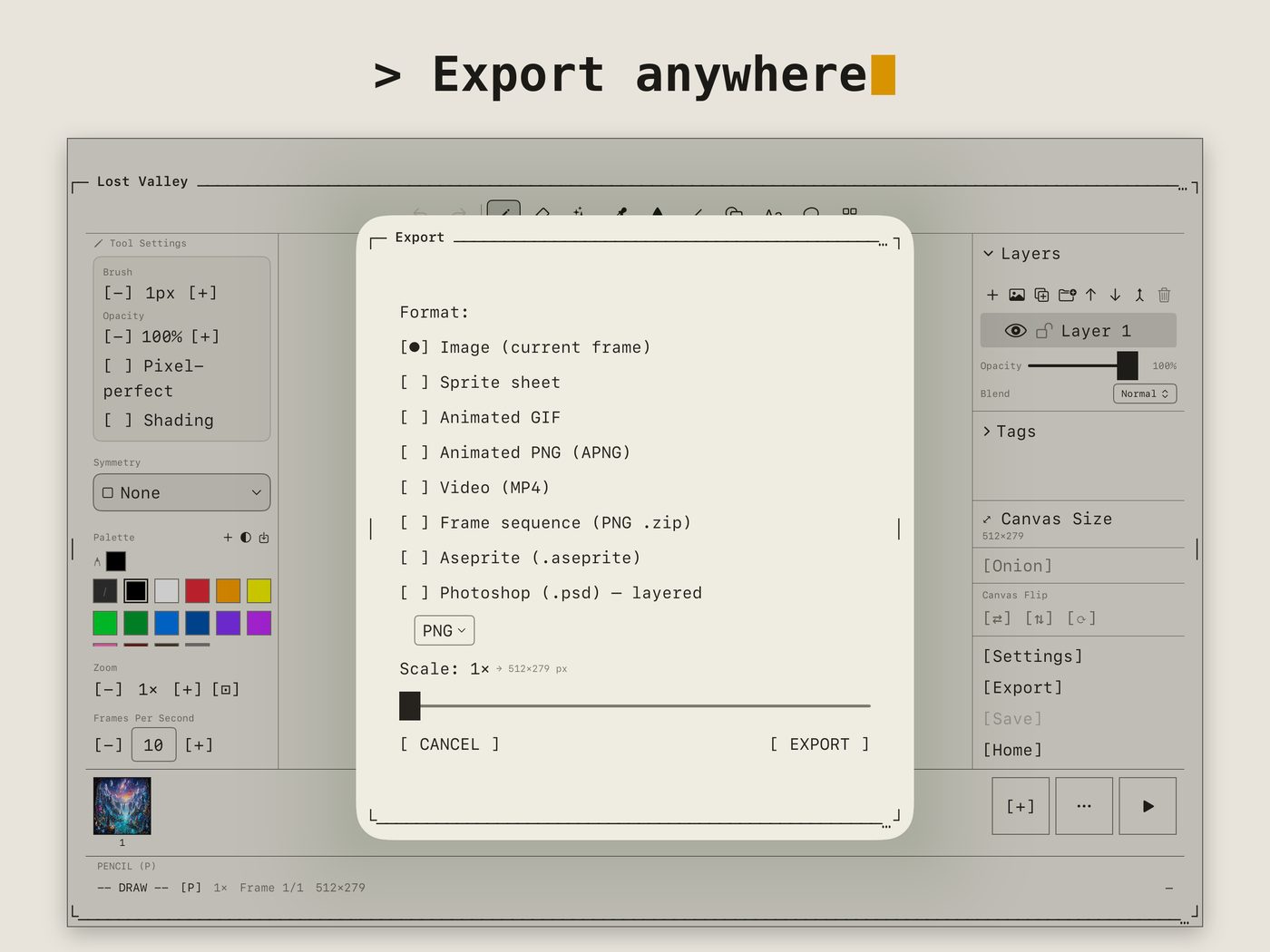
!Image 2: 1 Bit Pixel editor on iPad with a full-color pixel-art landscape, layers and palette panels!Image 3: Frame-by-frame animation of a goblin sprite with timeline and frame tags!Image 4: Project gallery with folders and animated previews!Image 5: Sprite sheet export options!Image 6: Export formats: PNG, GIF, APNG, MP4, Aseprite, PSD and more
// EXPORT & IMPORT
**Export:** PNG, GIF, APNG, MP4, sprite sheet (+JSON), frame sequence, SVG, CSS, ICO, HEIC, TGA, QOI, Aseprite, and layered PSD.
**Import:** PNG, GIF, WebP, TGA, QOI, APNG, plus layered Aseprite and PSD files.
// LEARN
New to it? The How To guides cover every tool with short, illustrated walkthroughs — in 10 languages.