HyperPaste — Free, Open Source Clipboard Manager for macOS
Free & open source · macOS
Everything you copy, a keystroke away.
A free, open source clipboard manager that feels like a native part of macOS.
Requires macOS 15.4 or later
!Image 1: HyperPaste clipboard history
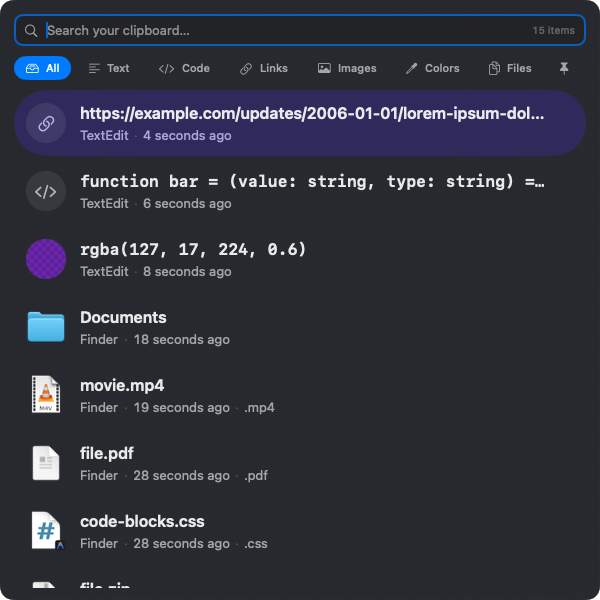
Find it instantly
The instant you need it.
Hit your shortcut, start typing, and your history narrows as you go. Arrow to the match, press return — you never leave the keyboard.
!Image 2: Searching your clipboard in HyperPaste

It recognizes what you copied
Every kind of thing, at home.
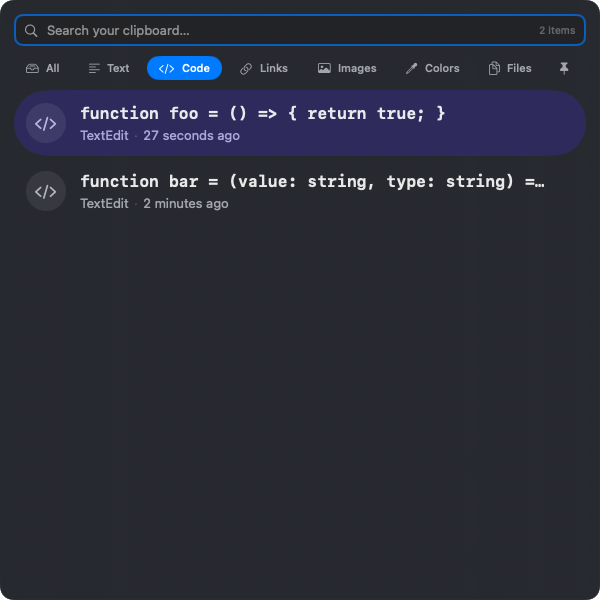
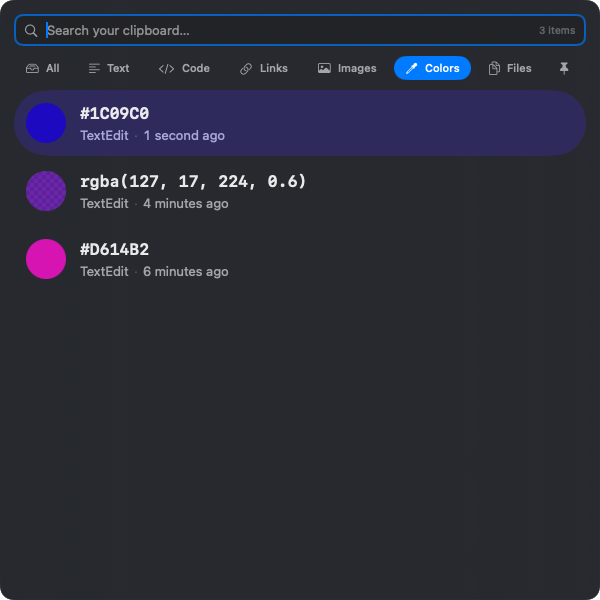
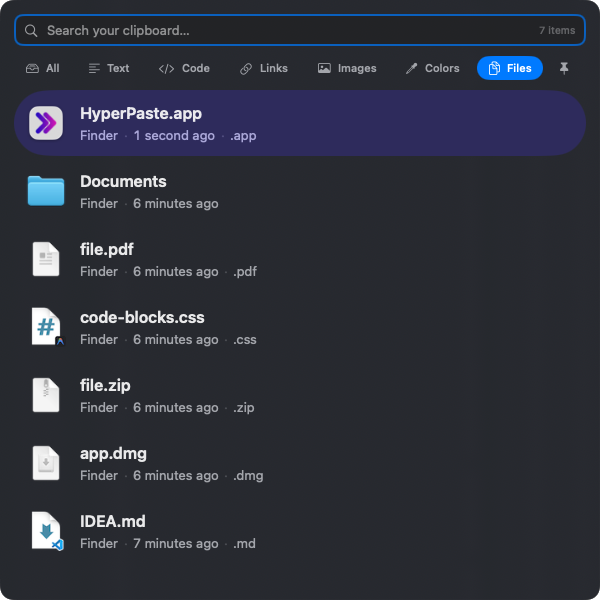
Text, code, colors, images, files — HyperPaste recognizes each and shows it the way it should look.
!Image 3: Code snippets in HyperPaste
!Image 4: Color values in HyperPaste
!Image 5: Images in HyperPaste

Designed for macOS
It works the way your Mac does.
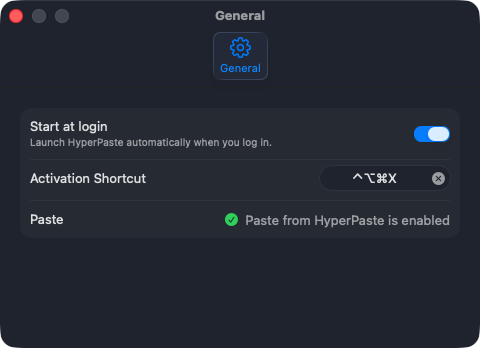
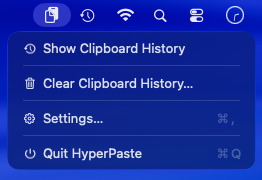
It lives in the menu bar and opens a real Settings window — where you can set your own activation shortcut. Native conventions, not invented ones.
!Image 7: HyperPaste Settings window
!Image 8: HyperPaste in the macOS menu bar
Pinning
Keep what matters.
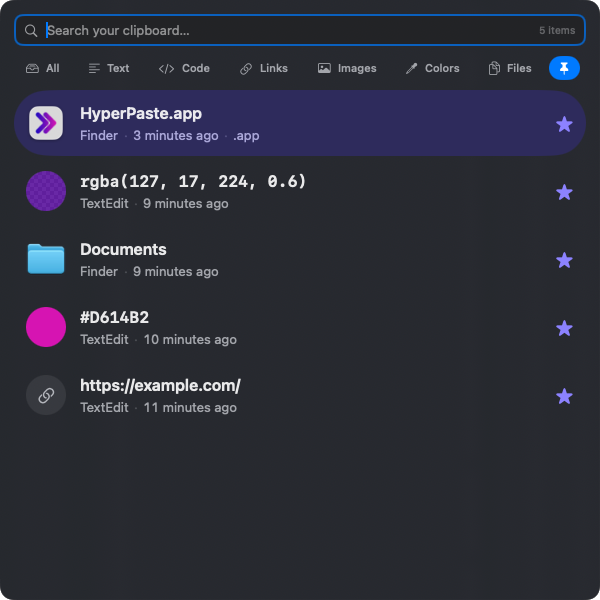
Clipboard history is temporary by design. Pin the things you reach for again and again — they stay until you remove them.
Pin with
⌘S
!Image 9: Pinned items in HyperPaste
Private by default
What you copy stays on your Mac.
Local-first by design — no account, no cloud, nothing to trust but your own machine.
###### Everything stays local
Your history never leaves your Mac.
###### Sensitive types respected
Passwords and the like stay out of history.
###### Exclude any app
Tell HyperPaste which apps to ignore.
###### No ads, no telemetry
No tracking. Just the app, working quietly.
Free. Open source. Yours to keep.
HyperPaste is a native clipboard manager for macOS — built in the open, and designed to feel like it belongs on your Mac. The source is on GitHub, and contributions are welcome.
Requires macOS 15.4 or later · MIT Licensed